
Every BYOK tool — including OpenThorn — needs an API key from an AI provider. Getting one takes about five minutes. This guide covers the three most popular providers; the pattern is the same everywhere: create an account, add a payment method, generate a key, and set a spend limit.
OpenAI
- Go to platform.openai.com and sign up (this is separate from a ChatGPT subscription).
- Add a payment method under Settings → Billing. New accounts may need a small prepaid credit.
- Open API keys, click Create new secret key, and copy it — it is shown only once.
- Under Limits, set a monthly budget so usage can never surprise you.
Anthropic (Claude)
- Go to console.anthropic.com and create an account.
- Add billing under Plans & billing — Claude API usage is prepaid or invoiced depending on tier.
- Open API keys, create a key, and copy it.
- Set a workspace spend limit under the workspace settings.
Google Gemini
- Go to aistudio.google.com and sign in with a Google account.
- Click Get API key — Google offers a free tier with rate limits, so you can start without billing.
- For higher limits, enable billing on the associated Google Cloud project.
Using the key
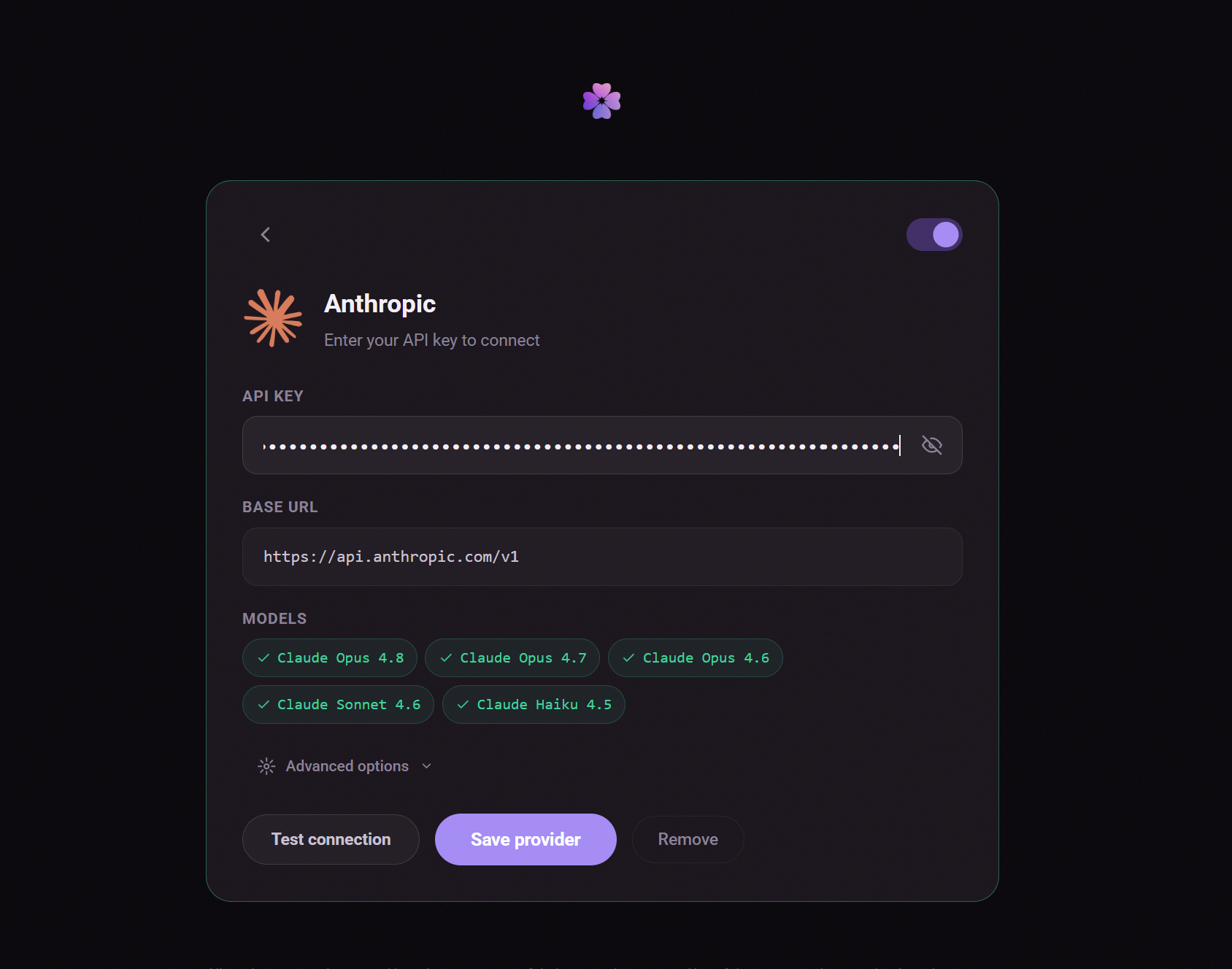
Paste the key into OpenThorn's Providers page — it is encrypted server-side and never exposed raw. Then describe the website you want and build. Full walkthrough: how to build a website with AI using your own API key.
Three safety habits worth keeping: set a spend limit before you build anything, never commit a key to a public repo, and rotate keys occasionally from your provider dashboard.